Take control of your Discord servers
All your servers; one dashboard. Real-time messages, moderation, tickets, and 14 toggleable modules.

Running in under a minute
No complicated setup. Three steps and your dashboard is live.
Add the bot
Once access is arranged, Valt joins your servers. No permissions to configure manually.
Open the dashboard
Log in with Discord OAuth. Your server data starts streaming in real time.
Toggle your modules
Enable moderation, tickets, levels, and more. Configure each module from the dashboard.
Built for teams who take servers seriously
Most bots give you slash commands and call it a day. Valt gives you a full web dashboard with real-time data.
Everything updates live
Messages, mod actions, and staff activity stream through SocketIO in real time. No refreshing, no waiting. See your server as it happens.
Moderate from anywhere
Warn, mute, kick, and ban users directly from the dashboard. Full user context, case history, and one-click actions from any device.
Toggle what you need
14 modules, all toggleable per server. Enable moderation for one server, tickets for another. Each module has its own configuration page.
Built for staff teams
Invite your staff, assign roles from helper to admin, control exactly what each role can see and do with 15 granular permission keys.
Track every invite
Create named invite campaigns with custom colors. See exactly which link brought each member, with full attribution and analytics.
28 color themes
Light mode, dark mode, and 28 color schemes. Ocean, Forest, Sunset, Violet, and more. Your dashboard, your aesthetic.
This is what you get
Every feature is designed around a real-time web interface. Click through the tabs to explore.
I can't join any voice channels. It says I don't have permission but I had access yesterday.
Let me check your roles. It looks like the voice role was removed during last night's cleanup. I'll add it back now.
That makes sense, thank you for the quick response!
NightOwl
PendingEverything your server needs
Every module is toggleable per server. Turn on what you need, leave the rest off. Full configuration through the dashboard.
Moderation
Warn, mute, kick, ban with case history, temp bans, and heat tracking.
Tickets
Support tickets with threaded conversations, attachments, and dashboard management.
Auto-Mod
Spam detection, word and link filters, join raid protection, configurable thresholds.
Levels & XP
XP-based leveling with role rewards, leaderboard, and custom multipliers.
Logging
40+ events tracked: edits, deletes, joins, leaves, role changes, voice activity.
Welcome
Custom join and leave messages with variable placeholders and auto-role assignment.
Suggestions
Community suggestion box with upvote/downvote and approve/deny workflow.
Reaction Roles
Button-based self-assignable roles with multi-panel support.
Reminders
One-time and recurring reminders with timezone support.
Temp Voice
Temporary voice channels that auto-create and auto-delete.
Auto-Feed
Scheduled messages to any channel on custom intervals.
Triggers
Custom text commands with variables, embeds, and role restrictions.
Feedback
DM survey campaigns to collect structured member feedback.
Stats
Activity tracking, leaderboards, staff performance, and invite analytics.
Applications
Multi-stage application forms with review workflow and status tracking.
Invite Tracking
Track which invite brought each member, campaign grouping, and attribution.
Embed Builder
Design rich embeds with buttons and select menus. Deploy via bot or webhook with live preview.
A private tool, available by arrangement
Valt is a private, all-in-one Discord management tool built for serious communities. Access is by arrangement, so get in touch and we will set you up.
From Our Blog
Guides, tutorials, and tips for Discord server management.
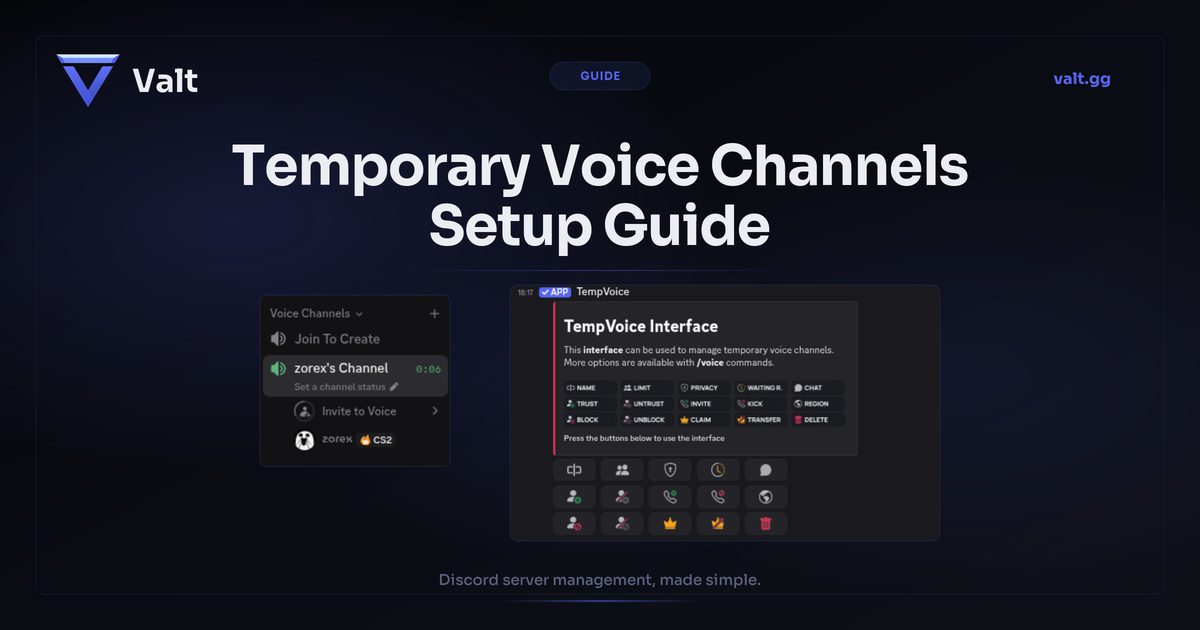
Discord Temporary Voice Channels: Setup Guide (2026)
Learn how to set up temporary voice channels on Discord with Join to Create. Compare top bots, fix common issues, and keep your server organized.
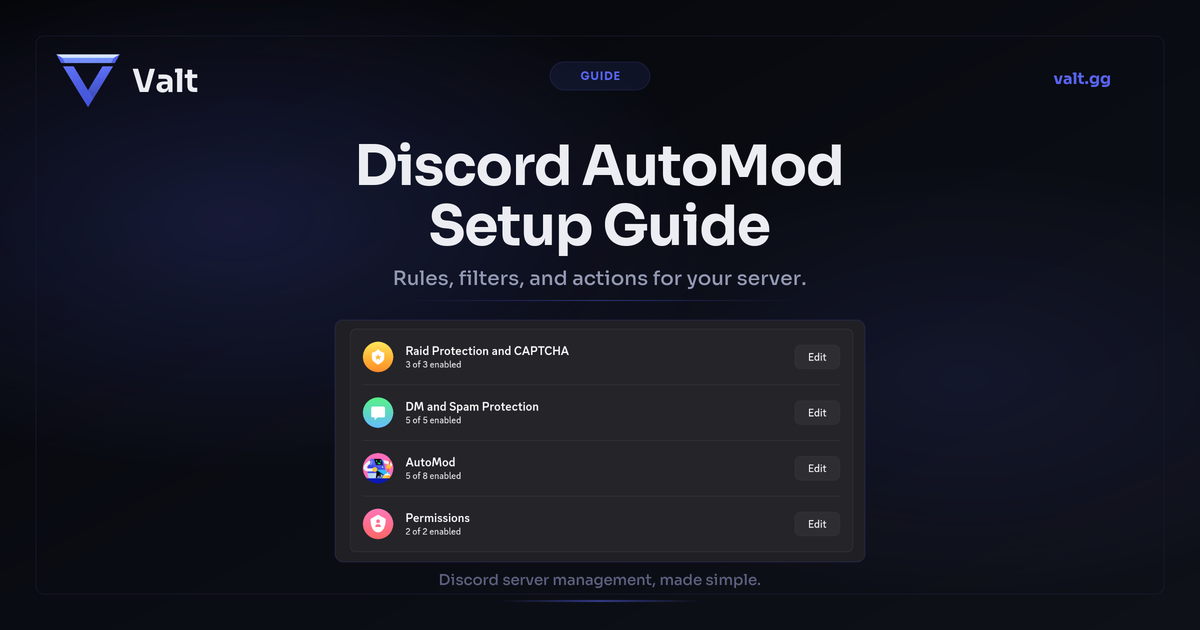
Discord AutoMod Setup Guide for Servers (2026)
Learn how to set up Discord AutoMod to filter spam, block harmful content, and keep your server safe. Step-by-step with practical examples.
A private, all-in-one Discord management tool.
Built for serious communities. Access is by arrangement, get in touch.
Request access Open Dashboard